Uninstall Monitoring Studio KM for PATROL

Home  Previous  Next

Monitoring Studio uninstall is an automated process managed by a wizard. The wizard goes through the necessary steps to remove Monitoring Studio and all files associated with it. You are simply prompt for the product's folder location and the product/components to uninstall.

To uninstall Monitoring Studio KM for PATROL

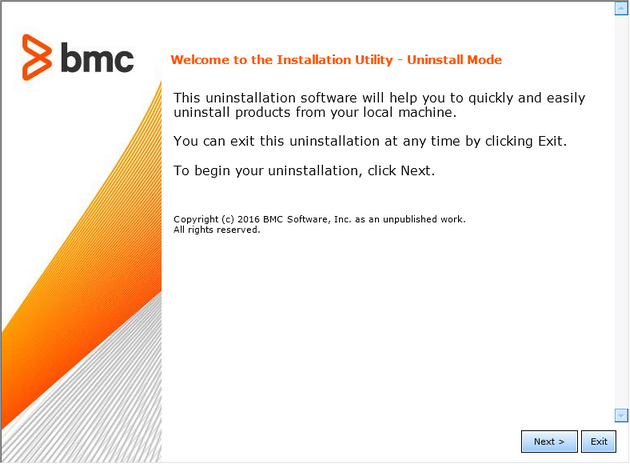
1.Locate the Uninstall folder under the BMC products directory (typically under C:\Program Files\BMC Software, or /opt/bmc):
On Windows systems, launch uninstall.exe
On UNIX, launch uninstall.sh

Unistall_Welcome

Un-install Wizard — Welcome Step

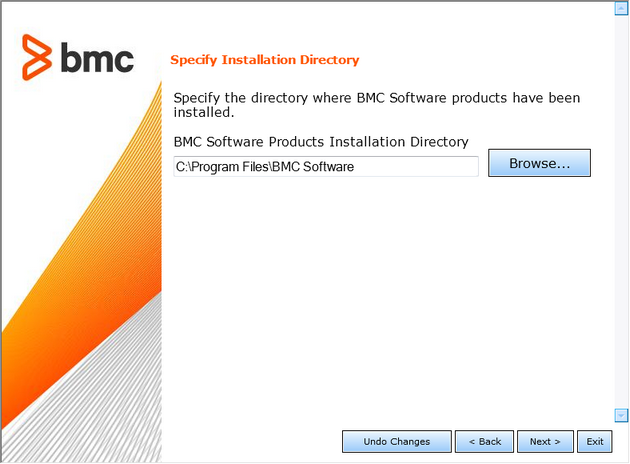
2.Specify the BMC Software products folder. See the BMC Software documentation for more information about the BMC Software products folder.

Unistall_Directory

Un-install Wizard — Specifying folder

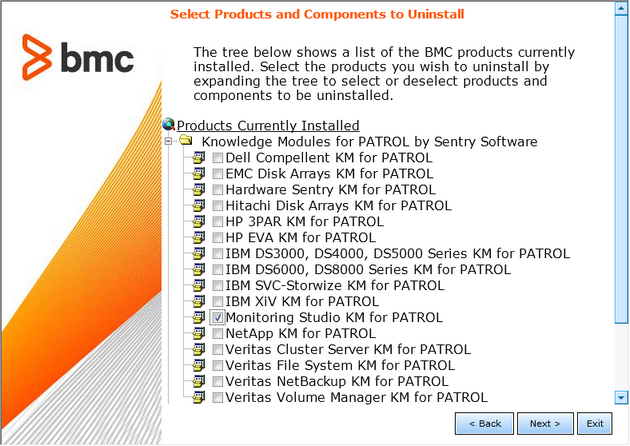
3.To uninstall the KM, select Monitoring Studio KM for PATROL.

Uninstall_Product

Un-install Wizard — Selecting Products and Components Directory

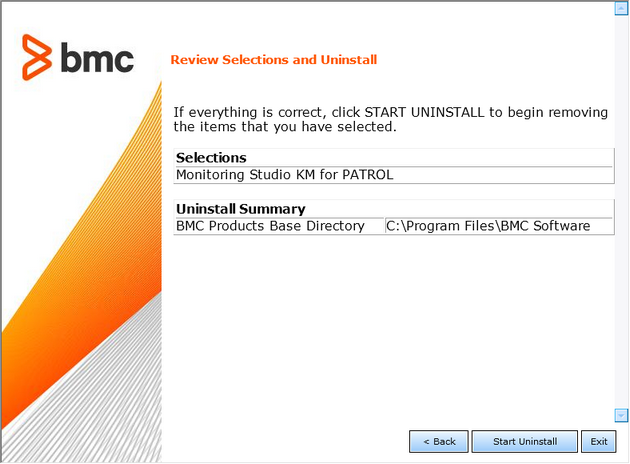
4.Click Start Uninstall.

Uninstall_Review

Un-install Wizard — Reviewing Selected Products & components and start uninstalling

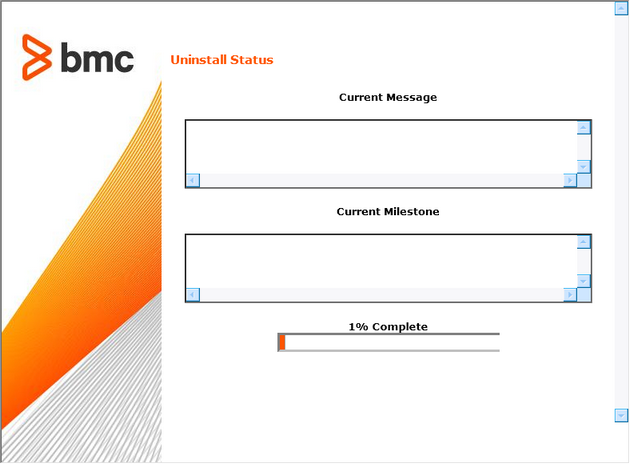
5.A page displays the list of products/components processed and the percentage of completion. Click Next to continue.

Uninstall-Status

Un-install Wizard — Status

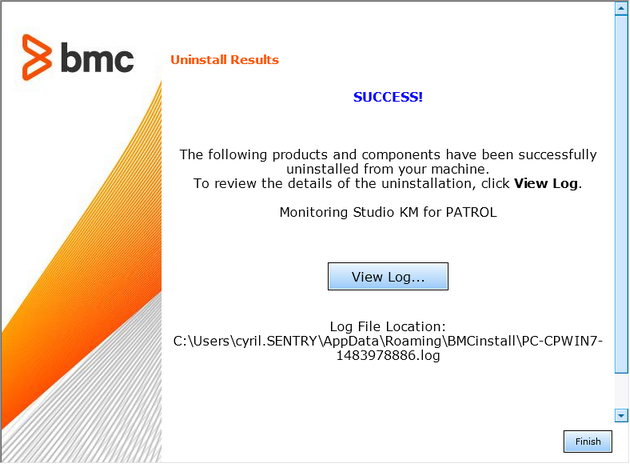
6.A page displaying SUCCESS indicates that Monitoring Studio KM for PATROL is now uninstalled.

Uninstall_Success

Un-install Wizard — Uninstall Results