Send an E-mail


Send an E-mail |
|
|
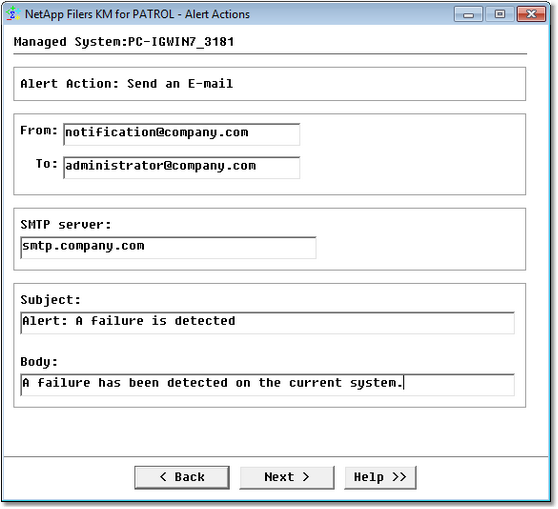
If you select the Send an E-mail action, you need to complete the following panel:
Alert Actions: Send an E-mail Enter the sender and the recipient email addresses in respectively the From and To fields, and type the SMTP server name. Finally, enter the email Subject and type the Body of the message you wish to send. See also
|