Write a Line to a LOG File

Home  Previous  Next

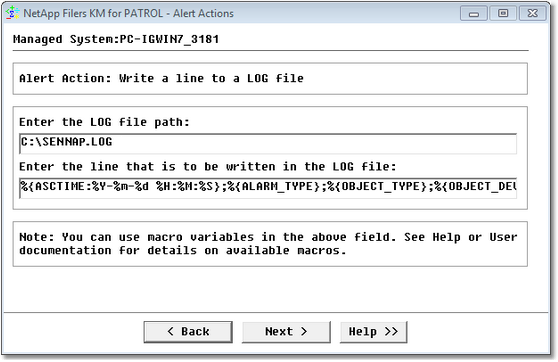
If you select the Write a line to a LOG file action:

Alert_Action_Log

Editing Alert Actions — Alert Action: Write a Line to a LOG File

•Enter the LOG file path
•Enter the content of the line. You can use alert action macros that will be replaced at runtime.

See also

•Trigger a PATROL event
•Annotate the parameter's graph
•Execute an OS command
•Execute a PSL command
•Send a pop-up to the PATROL Consoles
•Send a basic SNMP trap
•Send a custom SNMP trap (advanced)
•Send an e-mail