|
If you select Trigger a PATROL Event:
| 1. | Select the type of PATROL event you wish to trigger when a storage problem occurs: |
 These events are generated every time a threshold is exceeded. They contain a full Storage Health Report detailing the fault that has occurred. These events are generated every time a threshold is exceeded. They contain a full Storage Health Report detailing the fault that has occurred.
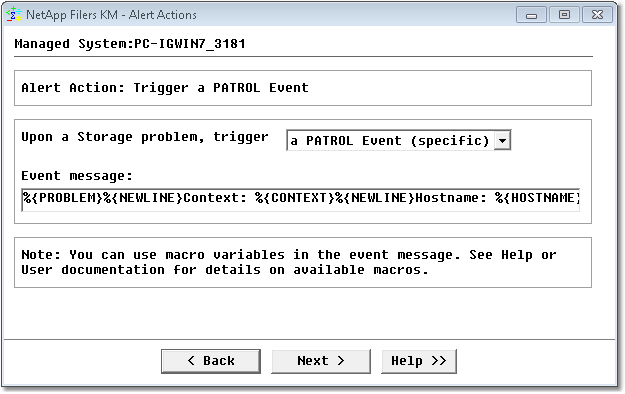
Editing Alert Actions — Alert Action: Trigger a PATROL Event
| 2. | If needed, modify the event message. You can use alert action macros that will be replaced at runtime. |
A PATROL Event can be viewed from:
| • | Standard PATROL Consoles (Classic Console, PATROL Central) |
| • | PATROL Enterprise Manager |
| • | Other third-party products that interface with PATROL. |
See also
| 

